Seedance 2.5 duo workflow is live — direct your own orange-booth performanceSee plans
Original duo performance studio

Migos AI Video Generator: Create an Original Orange-Booth Duo

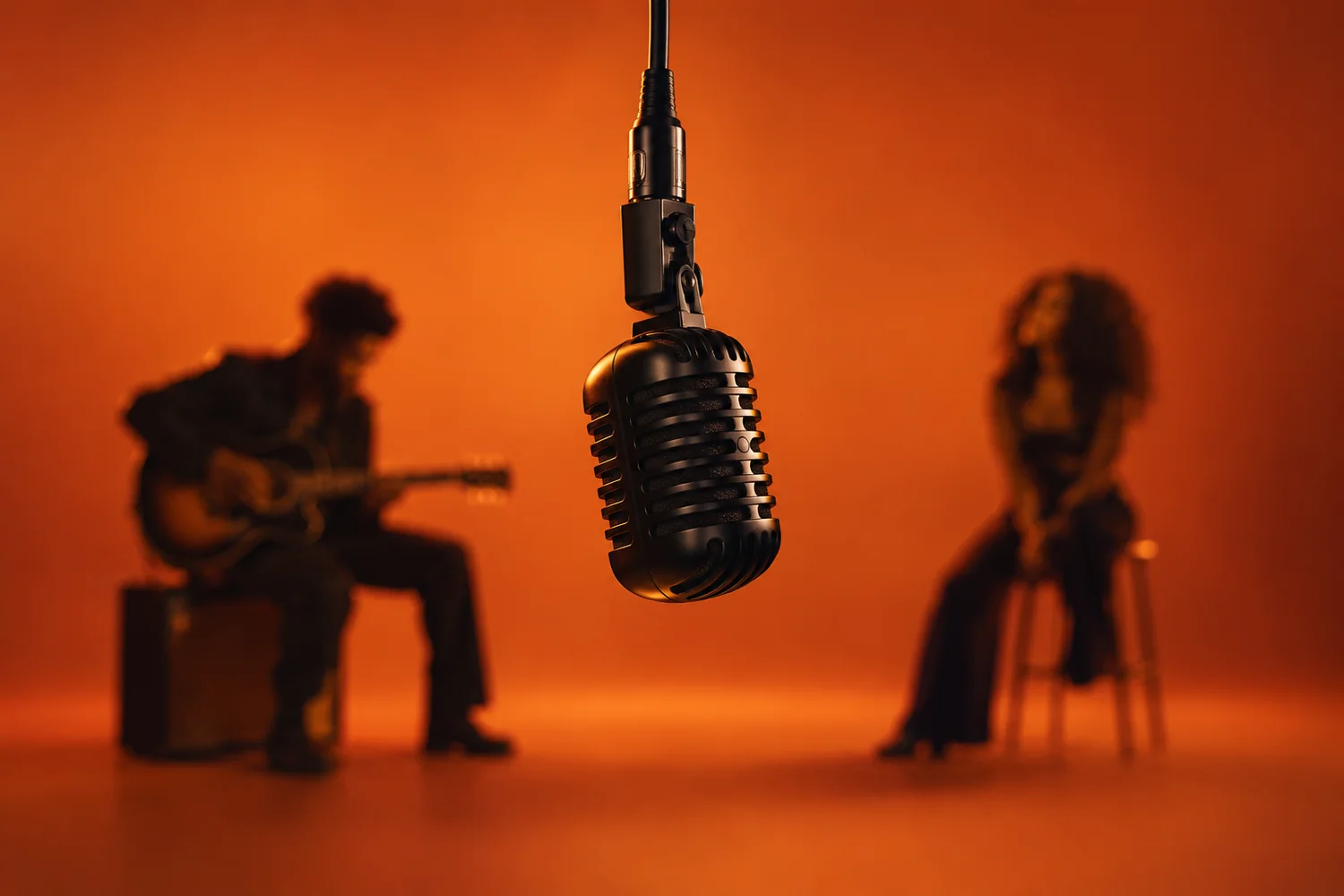
The viral Migos AI format takes its visual grammar from Quavo and Takeoff’s 2022 “Hotel Lobby” performance on A COLORS SHOW: two performers, one hanging microphone, an orange studio, and a conversational exchange. Migos AI helps you build an original version from two authorized photos with Seedance 2.5—without copying the artists’ faces, voice, footage, or choreography.

Two-photo identity lock Rights-aware workflow Vertical 9:16
Add two photos
One subject per image
Your prompt

Create a vertical 9:16 performance video from TWO separate authorized photos of fictional or consenting adults. Keep Performer A full body on the LEFT and Performer B full body on the RIGHT in a seamless burnt-orange studio. Suspend one black microphone at center. Performer A delivers the opening lines with natural hand gestures while Performer B nods and reacts; then they switch roles. Use one locked centered wide shot, visible feet, stable faces and clothing, no cuts, zooms, text, logos, extra people, celebrity likenesses, or copyrighted footage.
AI Video Seedance 2.5
Prompt library

Copy & Paste Migos AI Video Generator Prompts

These prompts preserve the recognizable two-person setup while keeping the cast, motion, and creative details original. Upload one clear image per subject, assign fixed left and right positions, and use licensed or self-created sound.

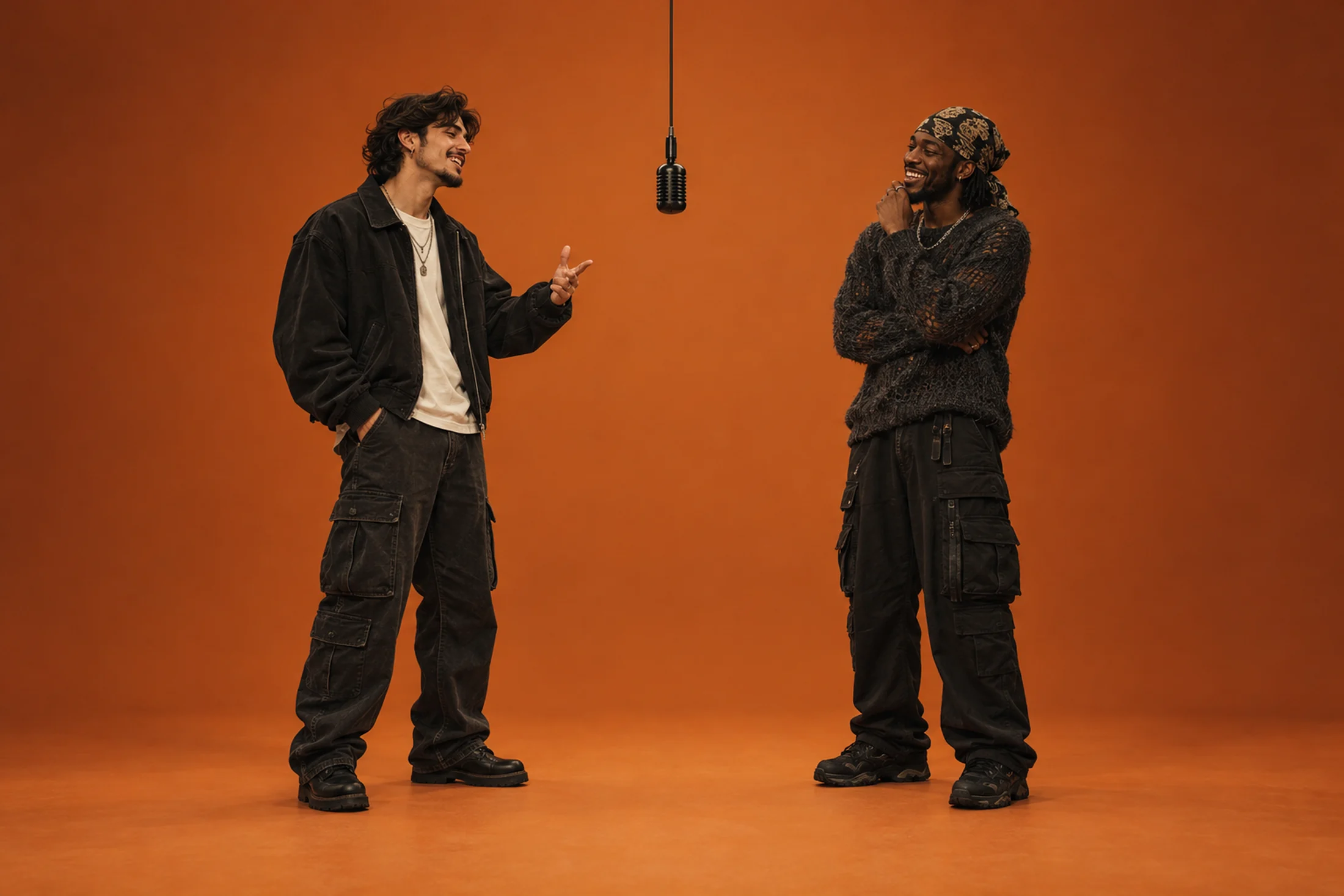
Two performers dancing under a suspended microphone in an orange studioPreset 01

Original Orange-Booth Rap Duo

Create a vertical 9:16 performance video from TWO separate authorized photos of fictional or consenting adults. Keep Performer A full body on the LEFT and Performer B full body on the RIGHT in a seamless burnt-orange studio. Suspend one black microphone at center. Performer A delivers the opening lines with natural hand gestures while Performer B nods and reacts; then they switch roles. Use one locked centered wide shot, visible feet, stable faces and clothing, no cuts, zooms, text, logos, extra people, celebrity likenesses, or copyrighted footage.
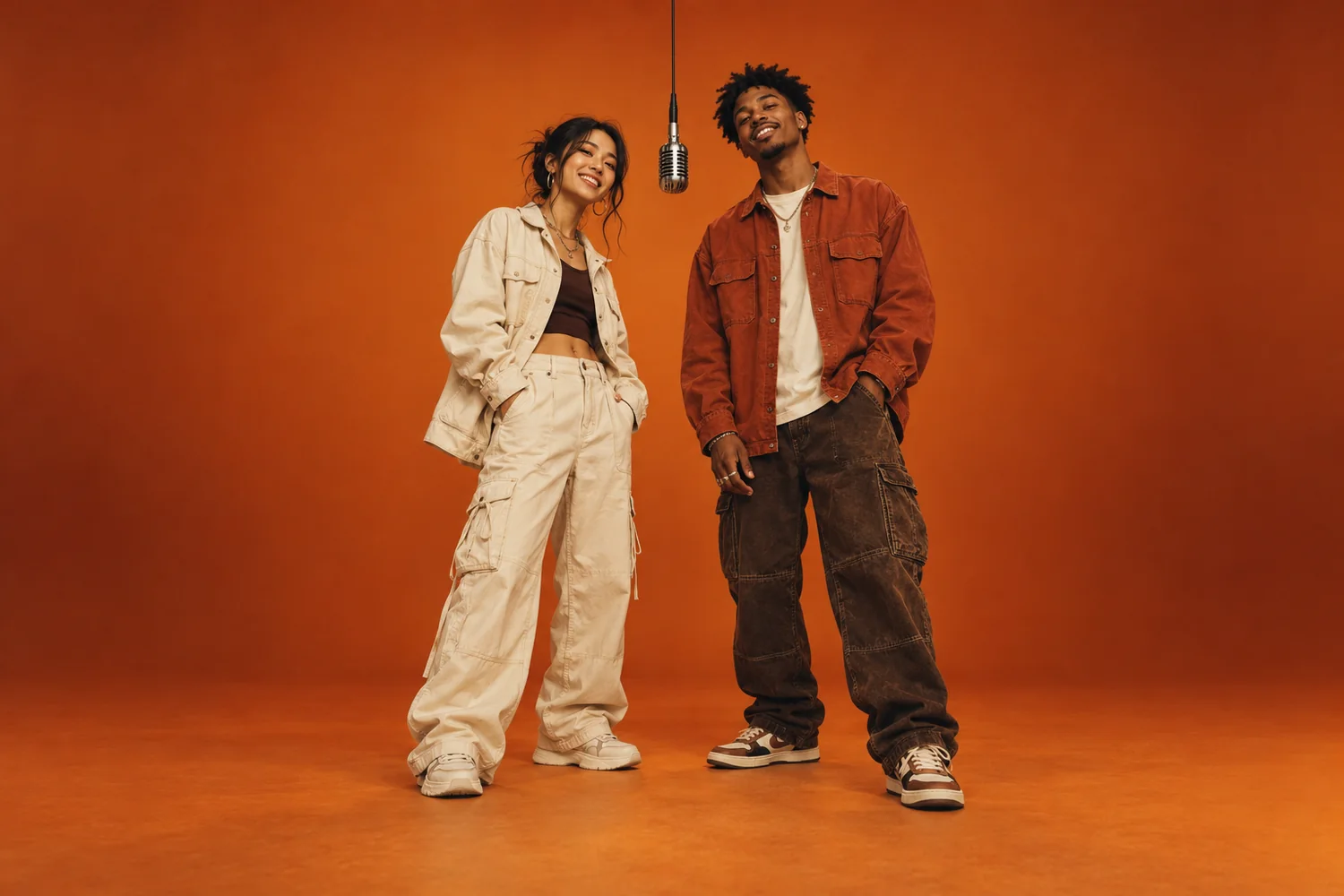
Two friends in streetwear posing inside an orange photo studioPreset 02

Streetwear Friends Trading Verses

Generate a 15-second vertical duo performance from TWO clear adult reference photos. Preserve each person’s face, hair, outfit, height, and skin tone. Place Friend A on the LEFT and Friend B on the RIGHT around a single hanging microphone in a clean terracotta studio. Let Friend A perform first while Friend B responds with small independent movements, then reverse the lead. Keep the camera static and full-body. Prevent face blending, side swaps, synchronized gestures, overlapping limbs, captions, brands, and watermarks.

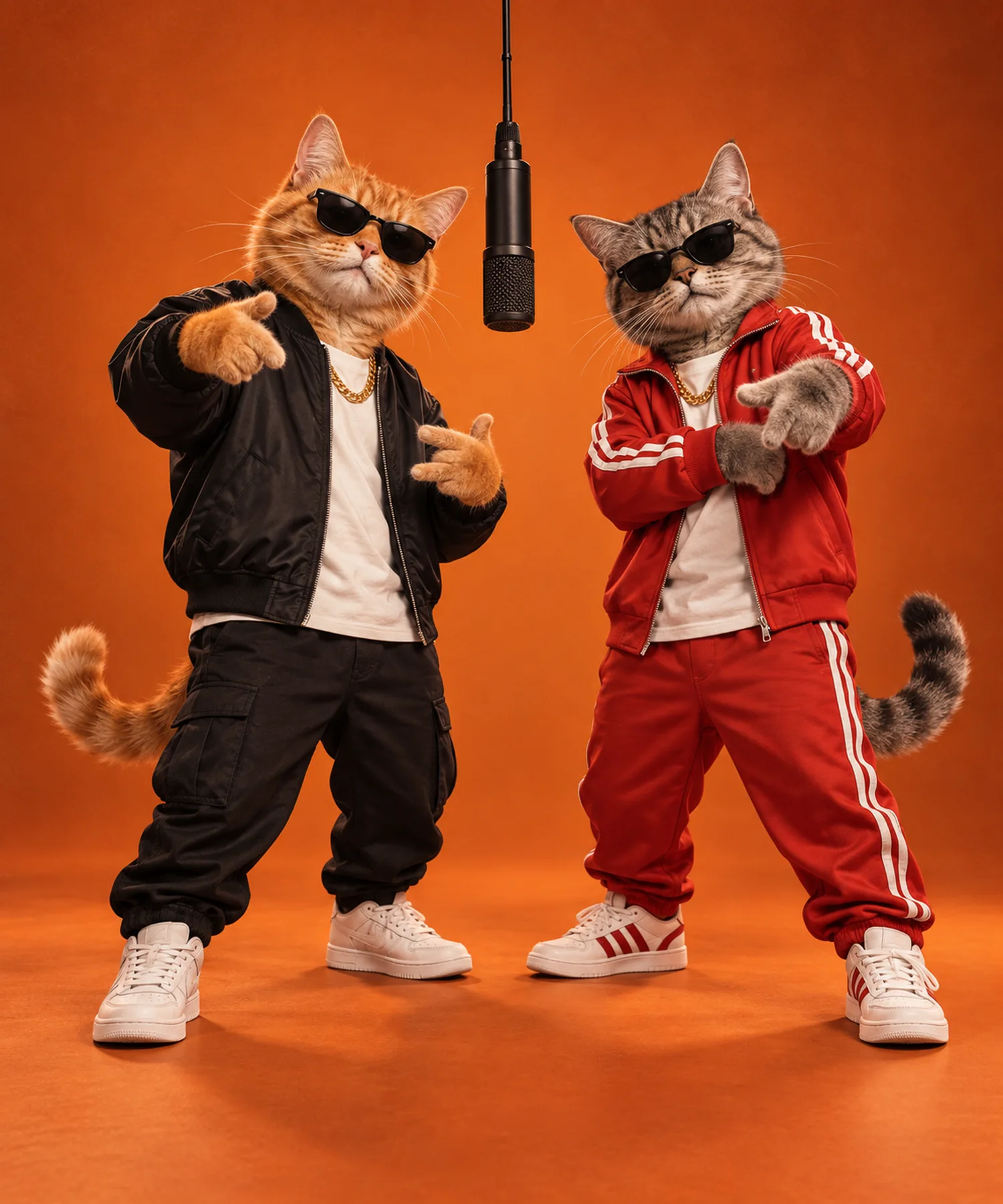
Two anthropomorphic cats in streetwear under an orange studio microphonePreset 03

Playful Rap Cats

Create a polished vertical 9:16 video featuring TWO anthropomorphic pet cats based on the uploaded references. Preserve each cat’s breed, fur markings, eye color, and size. Dress them in different original streetwear looks, place Cat A on the LEFT and Cat B on the RIGHT in a matte-orange booth, and hang one black microphone between them. Alternate expressive paw gestures and head nods without mirroring. Static wide camera, visible paws and tails, no extra animals, malformed limbs, text, logos, or copyrighted characters.

What makes it work

Key Features of a Strong Migos AI Video Generator Result

A convincing result depends less on copying a famous performance and more on controlling identity, timing, framing, and rights from the first prompt.

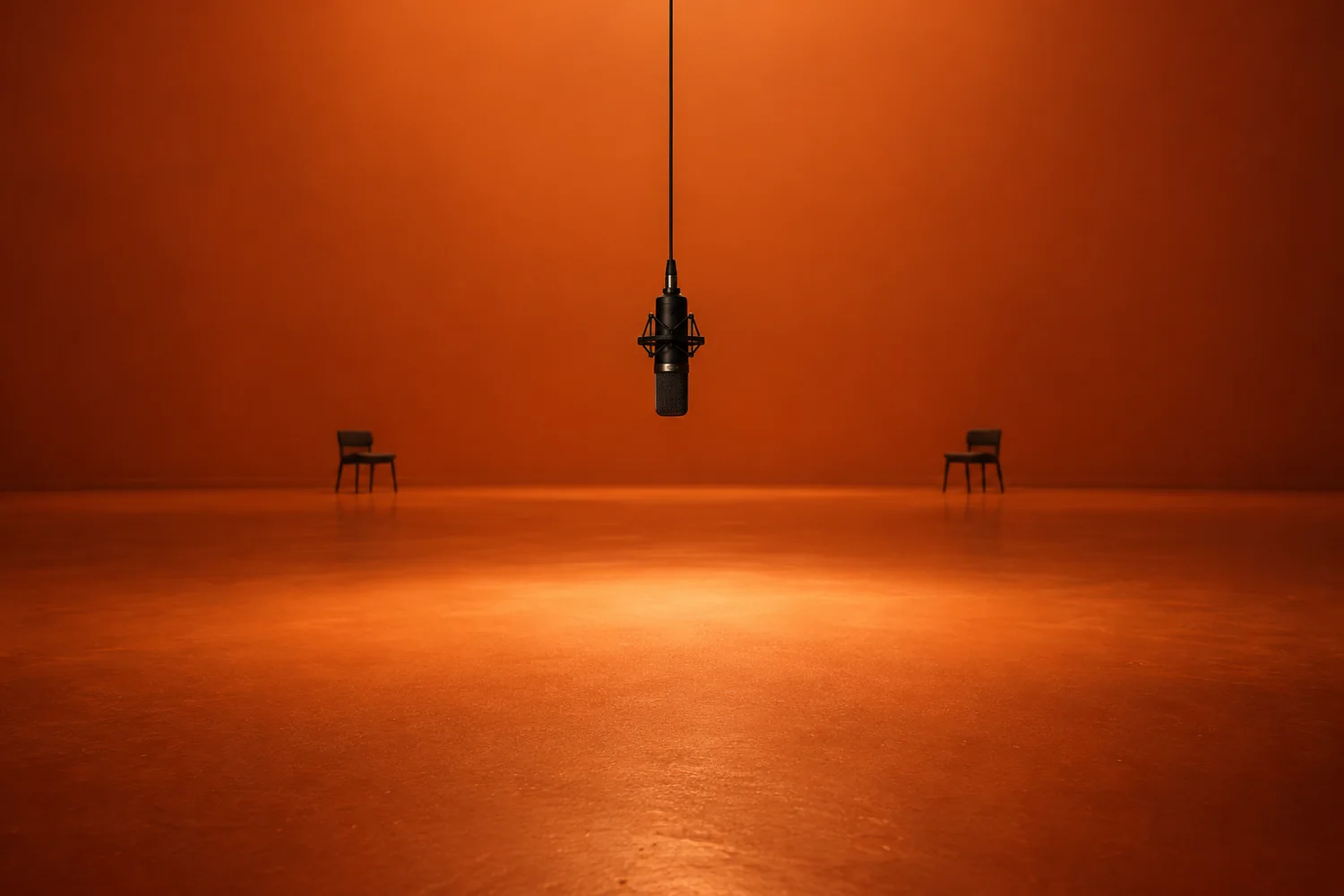
A black studio microphone hanging in an orange room
Center mic. Full bodies. One locked shot.

Keep Two Identities Clearly Separated

The effect succeeds only when both uploaded subjects remain recognizable. Start with one well-lit photo per person and label them LEFT and RIGHT in the prompt. Repeat that placement when describing actions, and leave visible space around the microphone so hands and bodies do not merge. Review faces, hair, clothing, height, hands, and side placement through the entire clip. If the model blends identities, simplify movement before adding style or camera language.

Build a Real Back-and-Forth Performance

The original format feels conversational because one performer leads while the other listens and reacts. Write that sequence explicitly instead of asking both subjects to rap, dance, and gesture at once. Small nods, shoulder movement, and short hand accents usually look more believable than constant choreography. Change the lead halfway through, but keep each person on the same side. This alternating rhythm creates energy while reducing mirrored motion and synchronization errors.

Lock the Orange Studio and Center Microphone

Use a seamless matte-orange wall and floor, soft frontal lighting, and one black microphone hanging at the exact center. Keep both full bodies and their feet visible in a static wide shot. These constraints recreate the visual logic users expect from the search without importing the original video. Avoid furniture, hallways, dramatic camera moves, colored neon, or multiple microphones; those details dilute the clean performance setup and make continuity harder to maintain.

Make the Trend Original and Rights-Aware

Treat the viral format as inspiration, not permission to reproduce an artist’s identity, voice, music, or recorded performance. Use fictional adults, consenting friends, pets, or another original pairing, and choose audio you created or licensed. Do not present generated celebrity footage as real. This matters especially here because the trend has prompted discussion about Takeoff’s legacy, consent, copyrighted recordings, and what happens to reference photos.

Built for your own cast

Benefits of Creating a Migos-Inspired AI Video With Migos AI

Migos AI gives you prompt-level control over the same visual ingredients creators search for while leaving room for a distinct cast and story.

An empty orange studio prepared for a two-person performance
Original castOriginal story
01

Direct the Duo Instead of Accepting a Fixed Template

Decide who performs first, how each subject reacts, and how restrained or energetic the movement should be. That control helps the clip fit your own friendship, pet, comedy, or creator concept.

02

Preserve a Cleaner Original Visual Identity

Use your own wardrobe, characters, and performance details while retaining the orange-booth readability. The result can reference the format without pretending to be the original artists or source footage.

03

Iterate on the Exact Failure Point

If faces blend, hands overlap, or the camera moves, rewrite only the instruction controlling that problem. Focused revisions are easier to compare than restarting with a completely different template.

From references to render

How to Create a Migos-Inspired AI Video in Migos AI

Keep the first pass focused. Lock the booth, set both positions, and review identity before adding new style ideas.

Step 1

Prepare Two Separate Reference Photos

Choose one clear photo for each consenting adult or pet. Match lighting and camera angle where possible, keep faces unobstructed, and decide which subject will remain on the left and right.

Step 2

Paste the Prompt and Select Seedance 2.5

Open the Migos AI image-to-video workspace, upload both references, choose Seedance 2.5, and paste one complete prompt. Keep the orange booth, centered microphone, fixed camera, and alternating lead instructions intact for the first test.

Step 3

Review Identity, Timing, and Rights

Watch the whole result for face blending, side swaps, malformed hands, synchronized motion, or unwanted camera movement. Confirm that every face, photo, audio track, and creative element is authorized before export.

Simple, focused plans

Unleash the power of Migos AI

Choose the capacity that fits how often you create. Every plan opens the same orange-booth studio, two-photo direction, and alternating lead workflow.

Creator

For creators making their first original duo videos.

$19/mo

Billed monthly. Cancel anytime.

Everything you need to start

  • 60 two-person video generations each month
  • Seedance 2.5 image-to-video workflow
  • Upload two separate reference photos
  • Vertical 9:16 exports at 720p
  • Full prompt library and copy tools
  • Commercial use for authorized content
  • Standard generation queue
  • Cancel anytime

Studio

For teams and high-volume creators running a content studio.

$129/mo

Billed monthly. Cancel anytime.

Everything in Pro, plus

  • 600 two-person video generations each month
  • Highest-priority render queue
  • 1080p exports with enhanced detail
  • Early access to new models and controls
  • Expanded reference and prompt workspace
  • Priority support for billing and access
  • Commercial use for authorized content
  • Cancel anytime

Prices are in USD. Checkout opens directly in Stripe. Cancel anytime from your billing settings.

Compare every plan detail
Creator toolkit

Tools List

Prepare stronger references, explore a new look, and turn a finished frame into a complete campaign.

AI Image Upscaler

Enlarge references without losing facial detail.

AI Art Generator

Build original wardrobe and set ideas.

AI Anime Generator

Turn a duo concept into an illustrated scene.

Image Style Transfer

Match the color and texture of two references.

AI Photo Editor

Clean up a reference before it enters the scene.

Background Generator

Explore alternate studio colors and textures.

AI Cartoon Generator

Create a more stylized performance pairing.

AI Photography Generator

Generate consent-safe practice references.

AI Posters

Turn a finished still into a vertical cover.

AI Face Generator

Prototype fictional, non-celebrity characters.

Image Enlarger

Prepare a sharper full-body source photo.

Digital People

Design original performers for a fictional duo.

Creator stories

What Creators Say About the Migos AI Video Generator Workflow

Practical direction from the first frame

“The Migos AI page explained the visual goal clearly before I generated anything.”

ER
Emily R.March 3

“I liked that the workflow told me exactly which reference details to keep stable.”

JT
Jason T.May 7

“The second prompt gave me a genuinely different direction instead of repeating the hero image.”

SL
Sophia L.May 9

“Changing one failed instruction at a time made the result much easier to improve.”

DK
Daniel K.March 18

“The Key Features section helped me understand why my first attempt looked inconsistent.”

MC
Mia C.May 14

“I could adapt the concept for my own audience without copying the reference page.”

RP
Ryan P.May 17

“The image and prompt examples matched the Migos AI video generator search intent closely.”

ON
Olivia N.May 29

“The rights and reference-photo checks were useful before I exported the final result.”

CA
Chris A.June 2
Good to know

Migos AI Video Generator FAQ

The fastest way to a better result is to respect identity, timing, and permission from the very first upload.

What is a Migos AI video generator?

It describes tools or workflows used to create a two-person AI performance inspired by the visual setup of Quavo and Takeoff’s “Hotel Lobby” appearance on A COLORS SHOW. The recognizable elements are an orange studio, one hanging microphone, and alternating performers.

Do I need two photos?

Two separate photos are recommended because the format relies on two distinct identities and fixed left-right positions. Use clear, authorized images with similar lighting and visible facial features.

Can I use celebrity photos or the original song?

Only use faces, photos, footage, music, and voices you have permission to use. Do not imply a generated celebrity performance is real. Original subjects and licensed or self-created audio are the safer route.

Why do the two faces blend together?

Face blending usually happens when reference photos are crowded, poorly lit, or not assigned fixed positions. Upload one subject per image, label LEFT and RIGHT, and reduce overlapping gestures.

Which Migos AI model should I use?

Seedance 2.5 is the default model on this page because it supports detailed video direction and multi-reference workflows. Model availability and credit use can vary by account and region.

Keep exploring

More Topics You May Like

AI Video

Create Tesla Roadster AI Videos

Read guide
Trends

Create Your Me Next Monday AI Video

Read guide
AI Video

Create Flying Car AI Videos

Read guide
AI Video

Create Flying Car Traffic Jam AI Videos

Read guide
AI Video

Create Tunnel Wall and Ceiling Car Videos

Read guide
Memes

Create a Roadster Police Stop Meme

Read guide
Trends

Trending TikTok Sounds for Creators

Read guide
AI Video

Create Werewolf Transformation Videos

Read guide
AI Video

Create Dark Alter Ego Videos

Read guide
One studio, many models

Explore More AI Models

Move from concept art to video, upscale a still, or try a different generation style without rebuilding your workflow.

Seedance 2.5Seedream 5.0 ProSeedance 2.0GPT Image 2Seedream 5.0 LiteNano Banana ProSora 2Veo 3.1Nano BananaVeo 3Text to Video
The mic is on

Create an Original Migos-Inspired Duo Video

Upload two authorized photos, direct a clean orange-booth exchange, and generate the performance with Seedance 2.5.